

What is the ViewMORE Learning and Teaching System?
ViewMORE is a simple multi-display teaching solution that lets tutors show and control multiple content sources (slides, video integrations, whiteboards, notes and student content) across up to four screens with one click. It keeps key information visible, supports different learning speeds, and encourages participation, making classes more engaging and effective.
Why Would Your University Want a ViewMORE Learning and Teaching System?
▶ Increase income: Student Fees are set to increase with higher quality teaching
▶ Improve student academic outcomes
▶ Increase on-campus student attendance in lectures
▶ Reduce student isolation on campus
▶ Use multiple displays for engaging students with increased passion and effectiveness in teaching
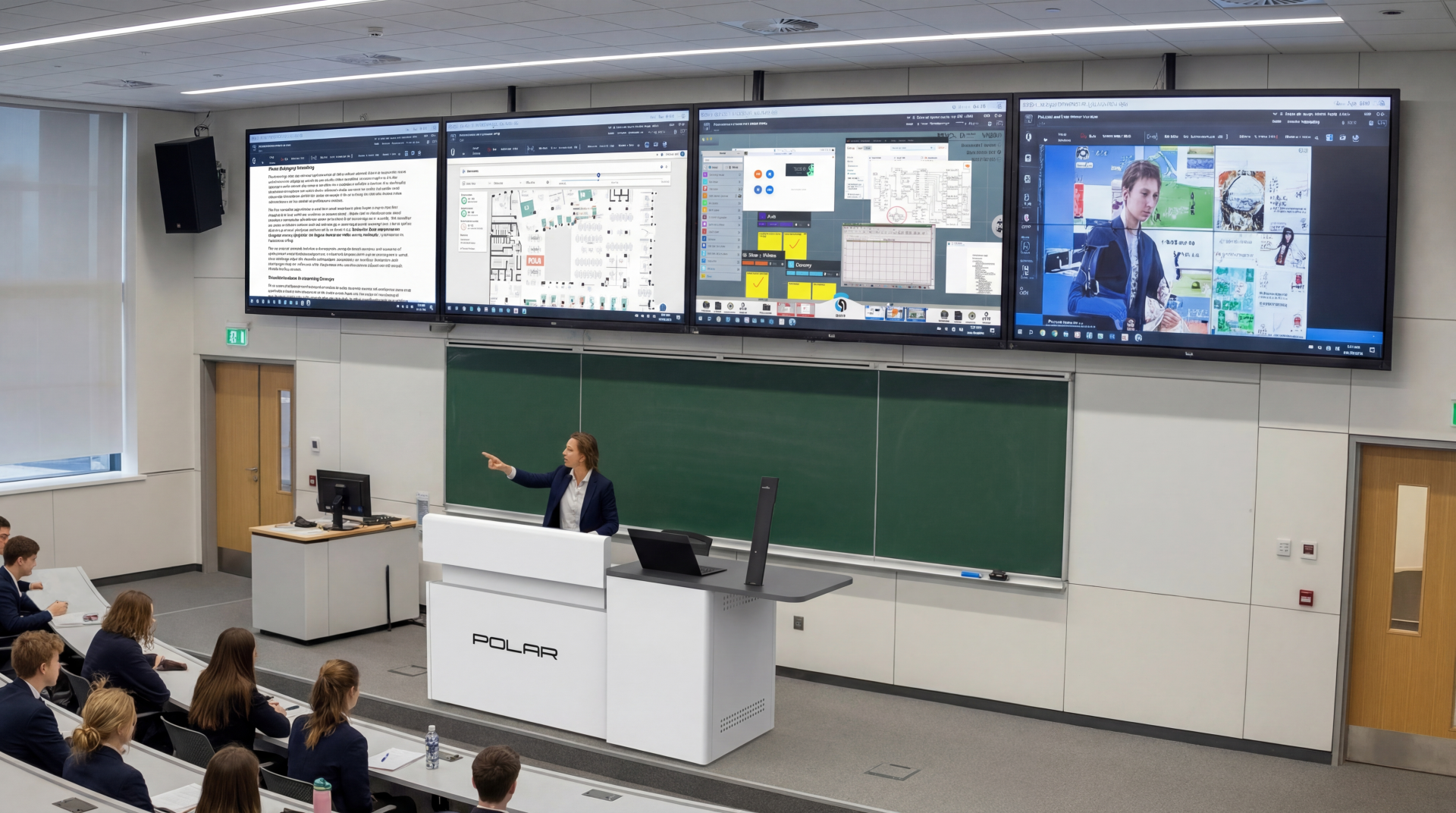
Teaching with Multiple Displays
Many lecture spaces already have dual displays, but they usually show identical content, while standard classrooms still rely on a single screen. This can be limiting. Most knowledge workers use two screens to view more information at once, and learning spaces often include a writing board for additional explanations — but capturing and integrating that content with digital materials is challenging.
When new slides replace old ones (PowerPoint is still the most common teaching tool), learners are forced to keep pace with the presenter, sometimes missing important details. Teachers often compensate by cramming too much information onto a single screen.
Fortunately, display technology is now inexpensive, making it cost-effective to equip classrooms with multiple screens. This transforms teaching and learning by allowing more content to stay visible, supporting diverse learning styles, and keeping students engaged. The result: better understanding, improved participation, and stronger attendance.
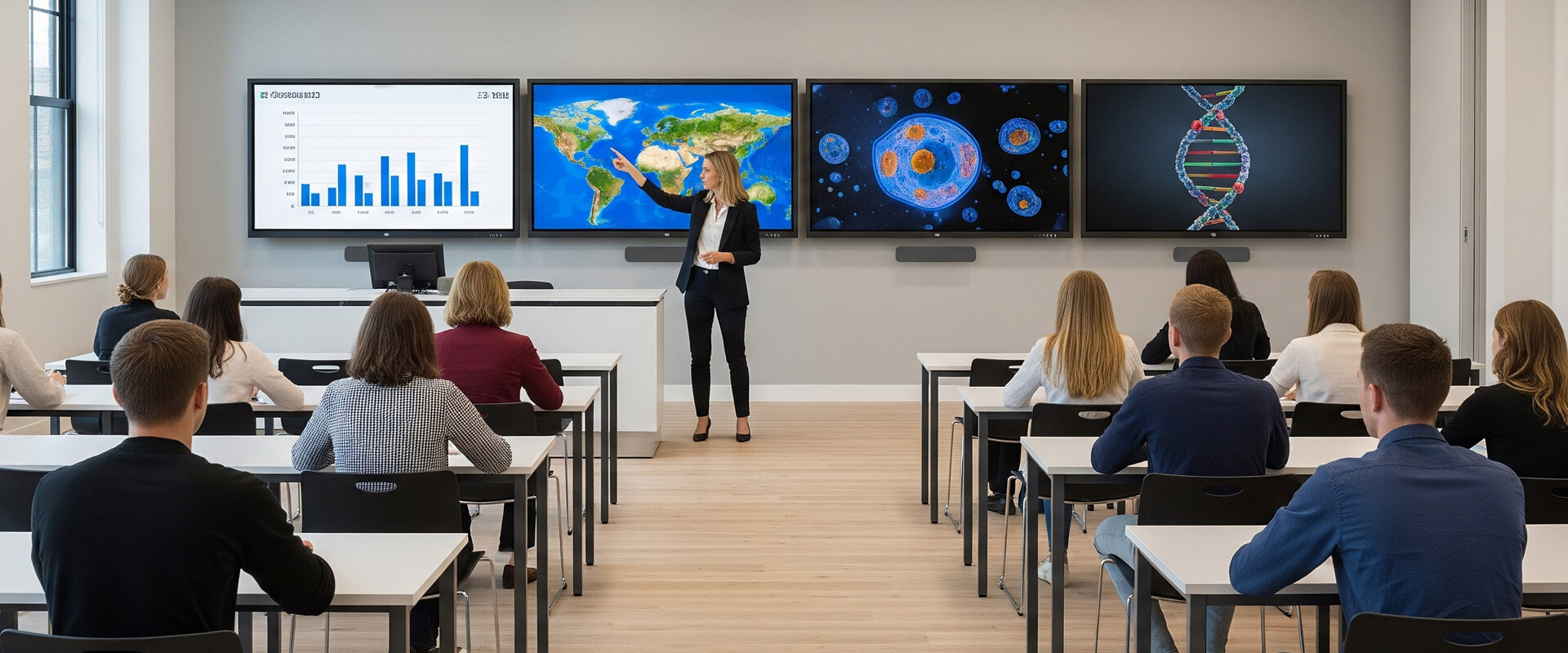
ViewMORE – Simplicity as Standard
Unlike other systems that require specialist graphics cards or additional hardware such as Video Scalers, the ViewMORE system connects up to four displays directly using standard HDMI cables. The ViewMORE Canvas supports content from any software application, including notes, whiteboards, browsers, images, and videos. With a single click, content can be assigned to any connected display, remaining fully live and interactive – videos play seamlessly, annotations can be added, and Word or Excel documents stay open for real-time editing.
Connect to Make Connections
ViewMORE transforms the classroom into an interactive, multi-display learning space. University computers, laptops, document cameras, and more can connect physically or wirelessly to ViewMORE, combining everything onto a single, seamless canvas. Tutors can mix live written content, digital media, and student contributions across multiple displays – creating an engaging learning experience no single screen can match.
More Engaging Teaching
For tutors, using multiple information sources makes lessons more engaging and dynamic. It allows them to build stories that capture attention, cater to different learning speeds, and keep key information visible for review. Advanced students can move ahead with new material on a separate display, while others revisit earlier content.
Real-time storytelling with student input motivates attendance far more than reading bullet-point slides — live or recorded. No surprise, then, that 36% of students skipped campus learning, according to the Jisc Student Digital Experience Insights Survey 2024/25.
Multiple screens and sources create visual anticipation that drives discussion and participation. The challenge is designing teaching methods — especially for younger learners — that turn these visual prompts into meaningful conversation.
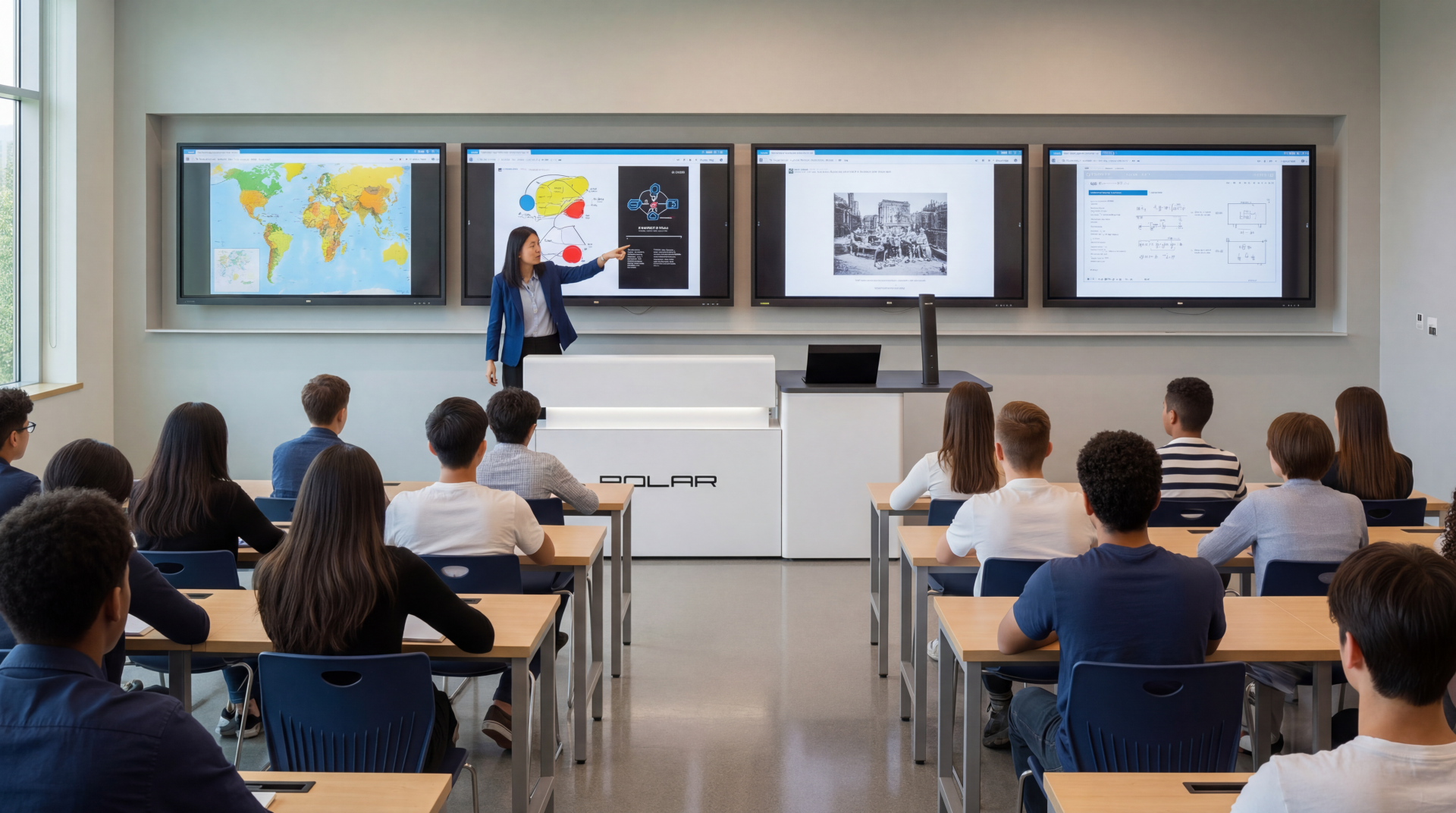
Improving Lectures with Multiple Displays
Traditional one-to-many lectures, supported by a single display, are losing student engagement and attendance – even with lecture capture. At POLAR, we’re redefining large group teaching with a powerful, software-driven solution that creates an intuitive, affordable, and highly engaging multi-display environment.
Research proves multi-display teaching boosts attention, attendance, and results, with studies from the University of Nottingham and TU Delft showing improved engagement, higher grades, and increased class participation.
Unlike costly hardware-based systems, our software approach cuts acquisition costs by over 50% and works across a wider variety of learning spaces.
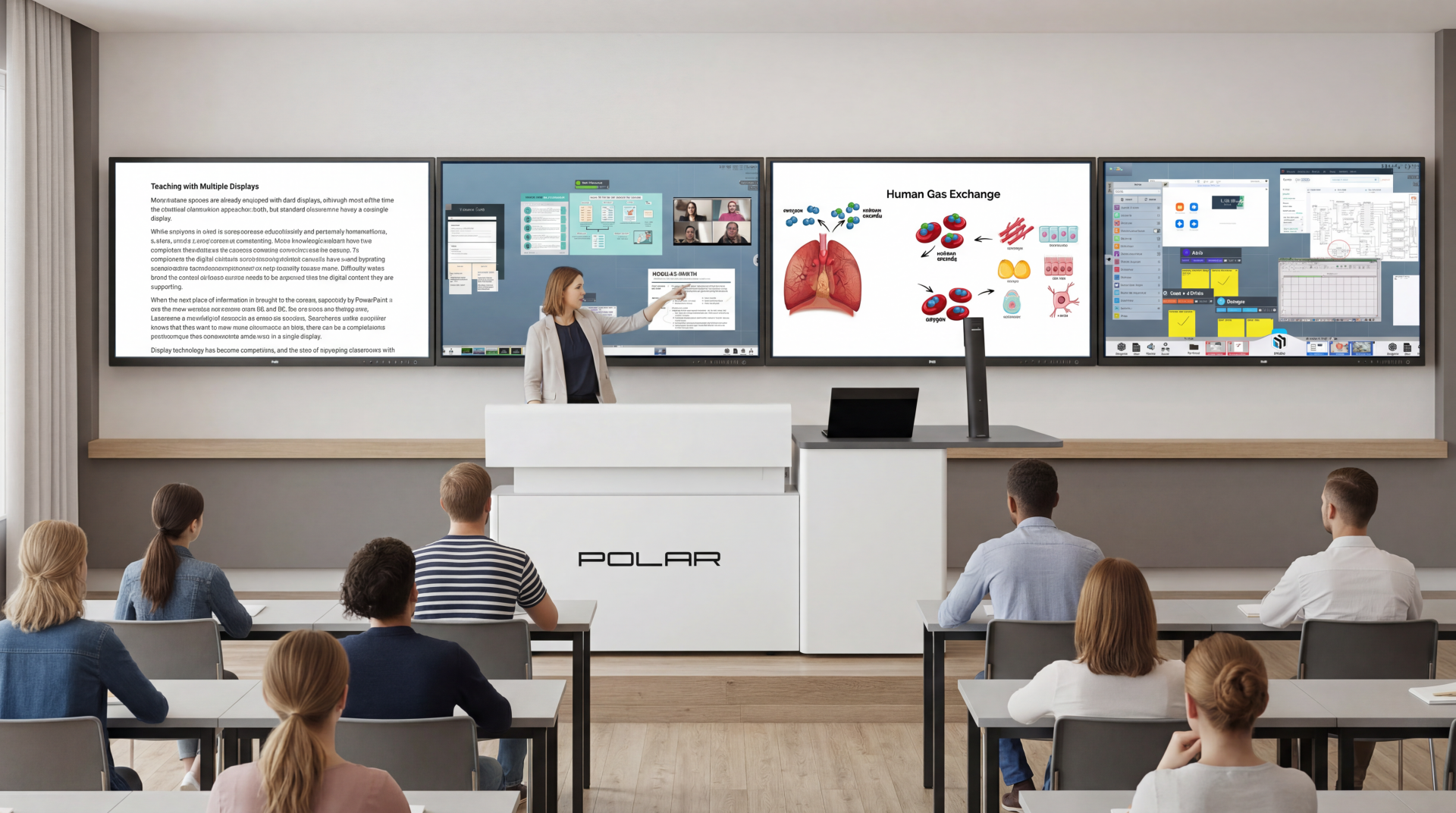
This is True Digital Transformation
Using multiple displays doesn’t just add more visual real estate to learning spaces, it creates meaningful change for the way that tutors teach, and students learn. When it’s done right – with training, with new instructional design – the impact will be transformational: better teaching, better student experiences, and, according to the research, improved student outcomes.
Why?
It is proven (3 years of research at the Technical University of Delft) to increase student attendance and therefore achievements.
Why?
Students don’t experience a linear slide show they can watch without attending, students are involved in co-creating their learning.
Which?
Keeps them attentive, advances expectations of spontaneity, stimulates freeform thinking, all of which with multiple sources of information scaffolded together, support a visual learning culture in which students retain and remember information.
For universities, improving their teaching and achieving or retaining their Gold status in the Teaching Excellence Framework, will almost certainly create an ability to charge higher student fees.
Our System Offers:
• A super intuitive interface: No steep learning curve
• Whiteboarding
• Annotation on any content
• Video Integrations (MS Teams, Zoom, Google Meet, Webex)
• Wireless connectivity to almost any device
• Supports different learning styles and needs
• A more human-centric ‘presentation’ experience
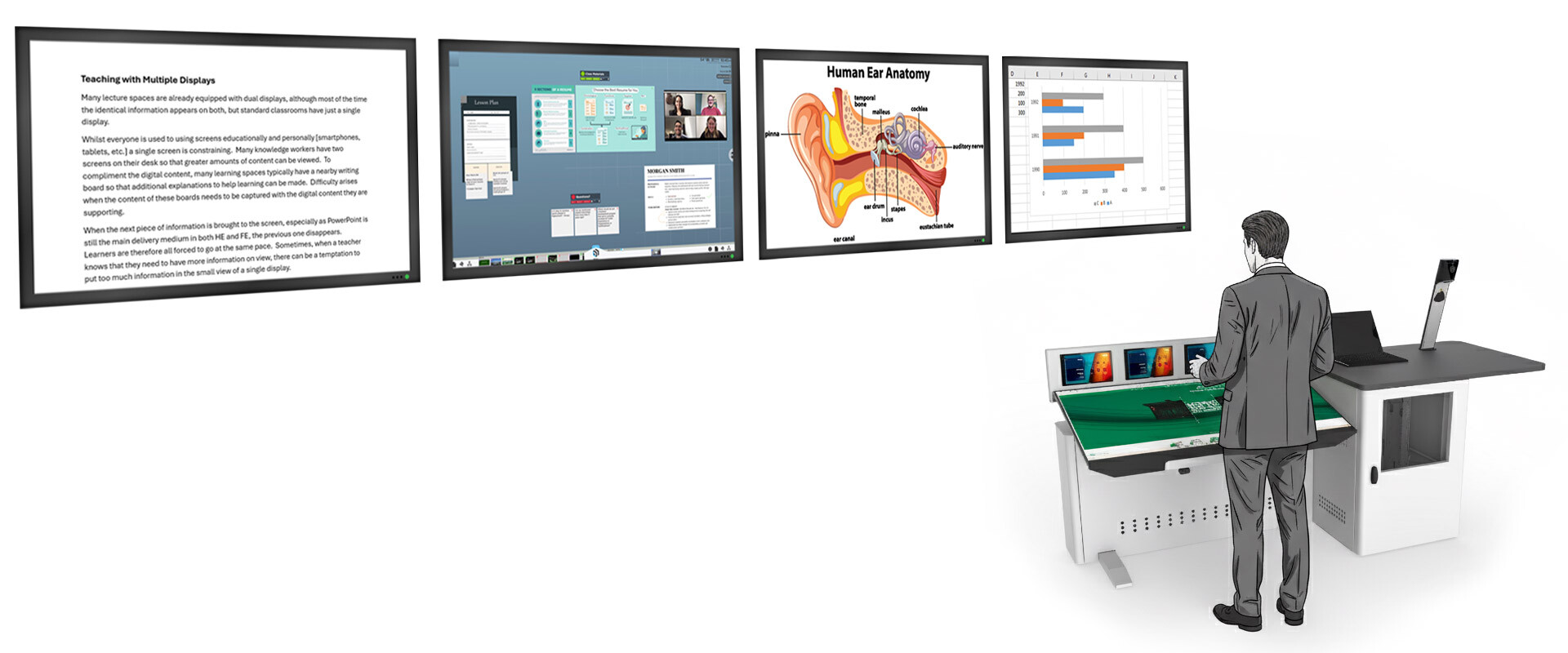 How ViewMORE Works
Bring all your content together – documents, images, videos, whiteboards, notes, live document cameras, and connected laptops on the ViewMORE canvas, a space 20× larger than a 55” display. Arrange everything into groups, grids, or anywhere you like. With a tap, send any piece of content to one of the large Focus Screens behind you. Students see it until you remove or replace it.
On the podium’s interactive screen, you can move, resize, and annotate content without affecting the students’ view until you’re ready. Fill the screen to work live on a whiteboard, create unlimited boards, and interact naturally with your content.
Students can securely view your canvas on their own devices, cast their screens, or send notes, files, and images – with you always in full control. Remote students enjoy the same interactive experience.
Need specialist software? Just connect your device, share to a Focus Screen, and run it live for everyone to see.
Integrated with MS Teams, Zoom, Webex, and Google Meet, ViewMORE lets you share canvas content with remote participants in real time.
Highly intuitive and refined over years of development, ViewMORE makes teaching and collaboration seamless – in-room or hybrid.
Click here for a 360° view of the ViewMORE lectern