

Midas HD-Mix V1.0 App:
Take Heritage-D Control Anywhere
HD-Mix V1.0 Provides the user with remote control of the Heritage Digital series of mixing consoles, providing the same functionality and workflow of that found on the console from your tablet.
Version 1.0 of HD-Mix represents the initial release of the application, with updates to features and functionality added in future releases.
Download HD-Mix V1.0:


Minimum Operating System Requirements:
Android: Android Tablet with 2GB RAM running Android Version 9.0 or later.
iOS: iPad models with 2GB RAM running iOS version 12.0 or later.
HD-Mix does not support mobile phones running Android or iOS.
Please Note:
We recommend connecting only one instance of the app to the Heritage Digital Mixing Console (HD-Mix 1.0), as multi-connection support is coming in a future update. For critical use, wire the console to the Access Point and, if possible, the tablet for a more stable connection.
Software Information:
Connection Screen
Upon boot, HD-Mix will automatically scan for consoles that are on the same network as your tablet, or you can manually enter the consoles IP from the connection screen.
Mix View
Mix View provides the user with a clear and easy to navigate overview of the console meter bridge and Faders, with access to all Inputs, Auxes, Matrices & Masters, VCA’s and POP Groups. HD-Mix utilises the same Common Control Rotary of that used in the Heritage Digital series consoles, allowing the user to move and lock any rotary on screen for ease of access.
The fader tray can be pulled down to reveal the selected channel widgets, with access to and full control of the following:
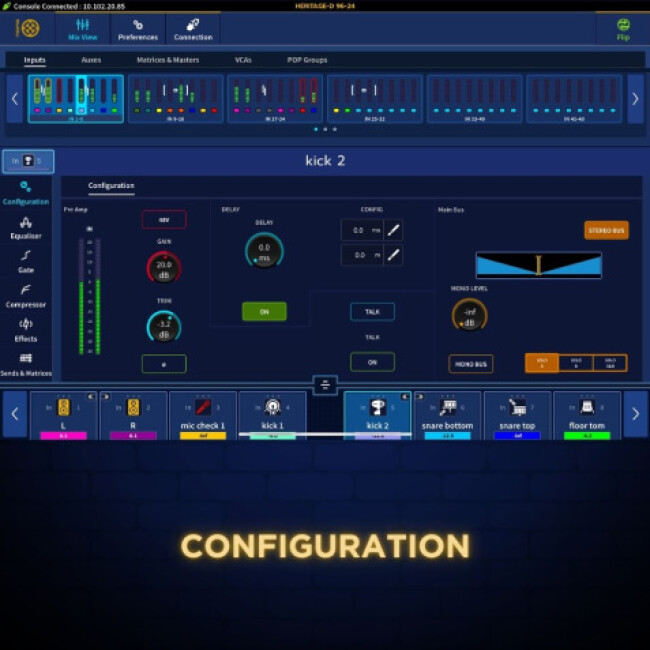
Configuration
- 48V
- Mic Gain Control
- Trim Control
- Phase
- Delay
- Talk
- Solo / Bus configuration options (Solo A, Solo B, Solo A&B)
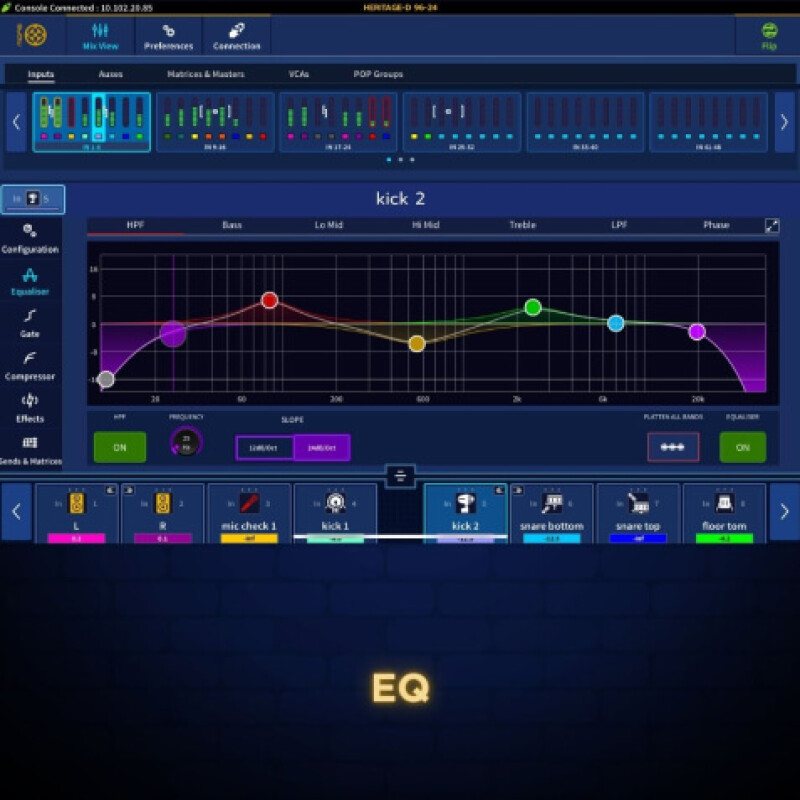
EQ
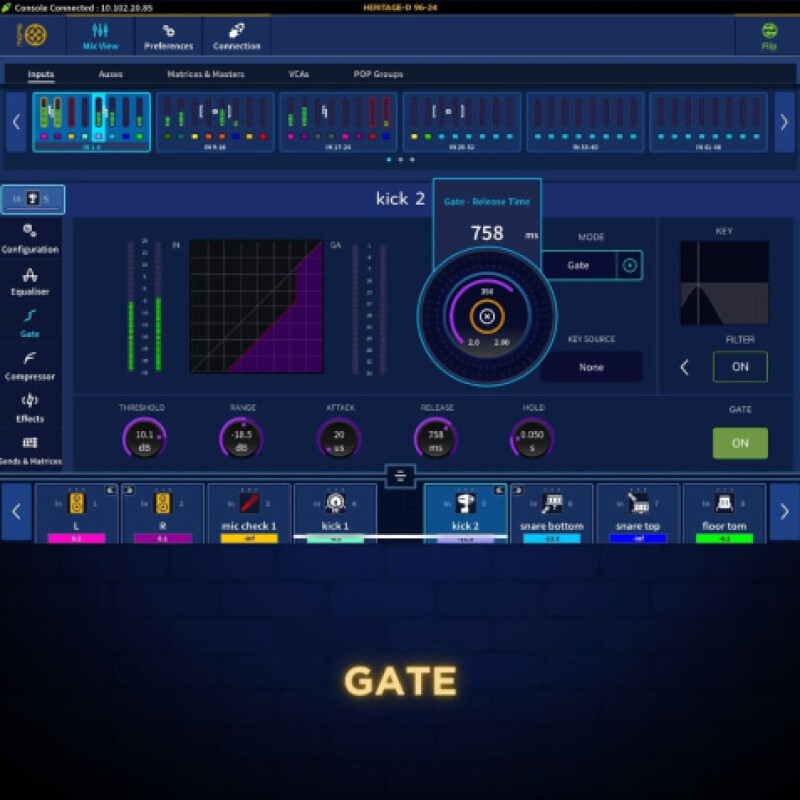
Gate
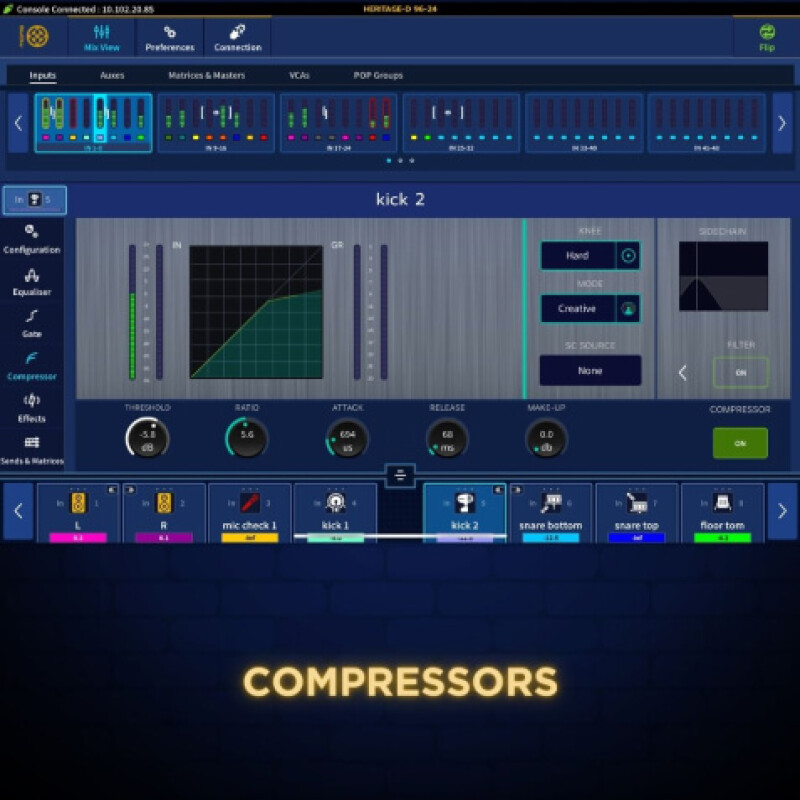
Compressors
Effects
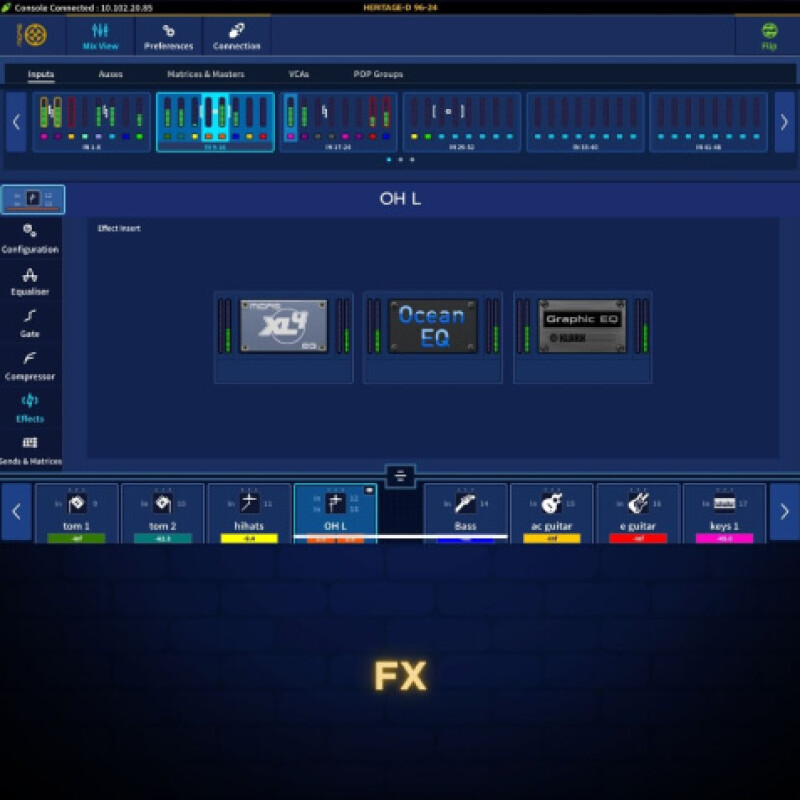
FX
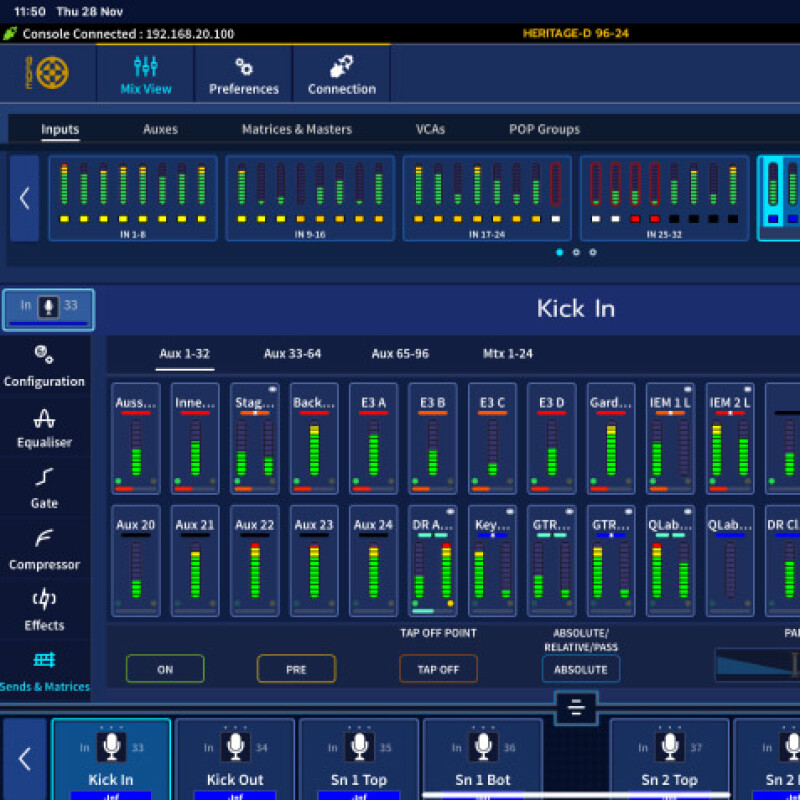
Sends and Matrices
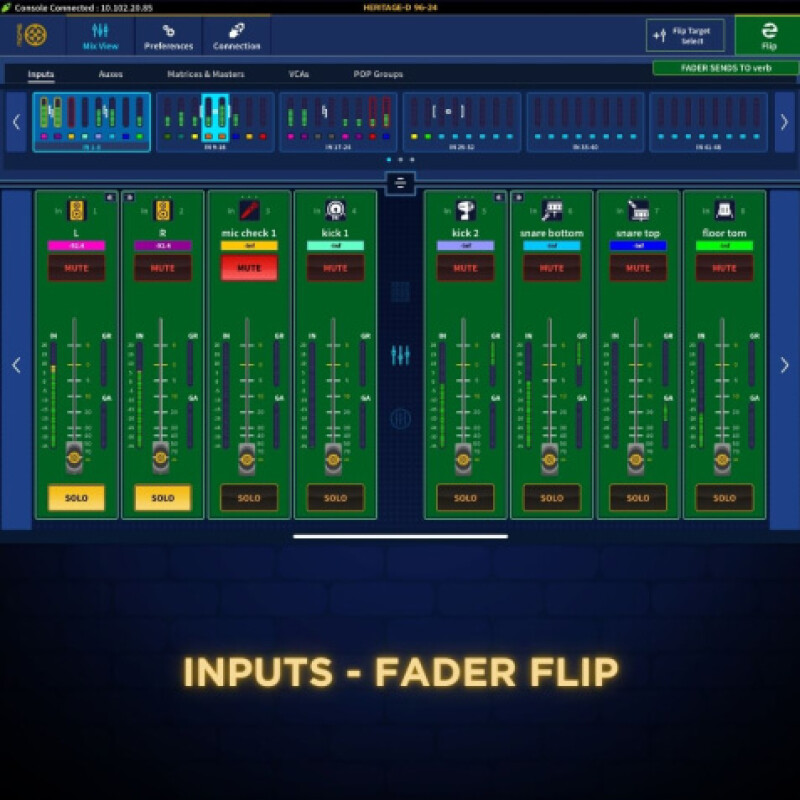
Flip Mode
Full Screen Effect Support
HD-Mix initially ships with 3 supported full screen effects, the Midas XL4 EQ, GEQ and Ocean EQ, which allow full parameter control from your device (All remaining effects will be implemented in later updates).
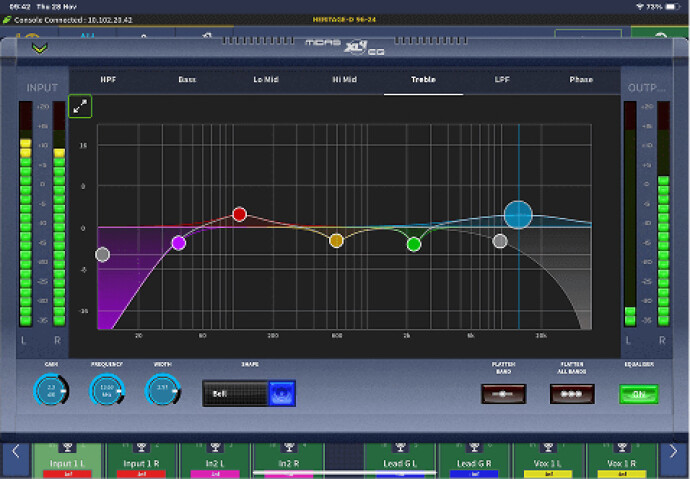
XL4 EQ
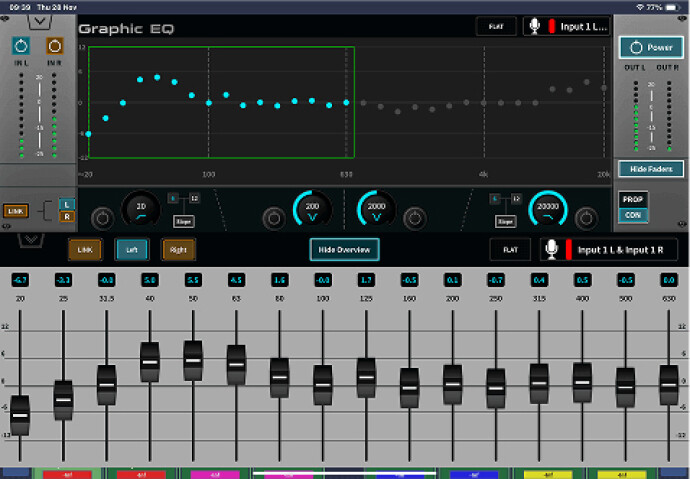
GEQ
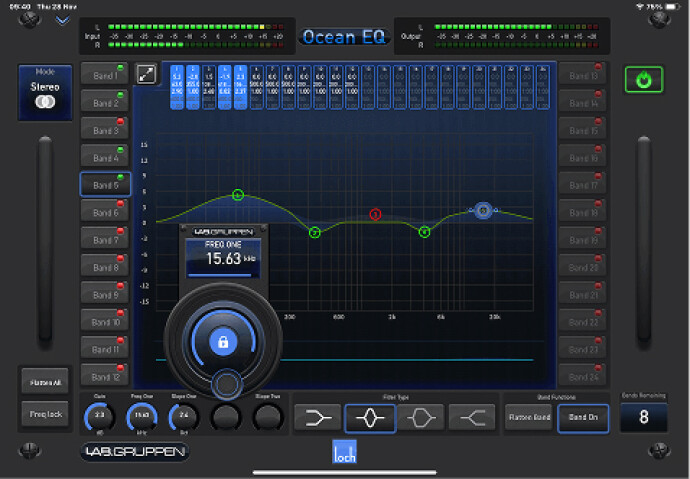
Ocean EQ
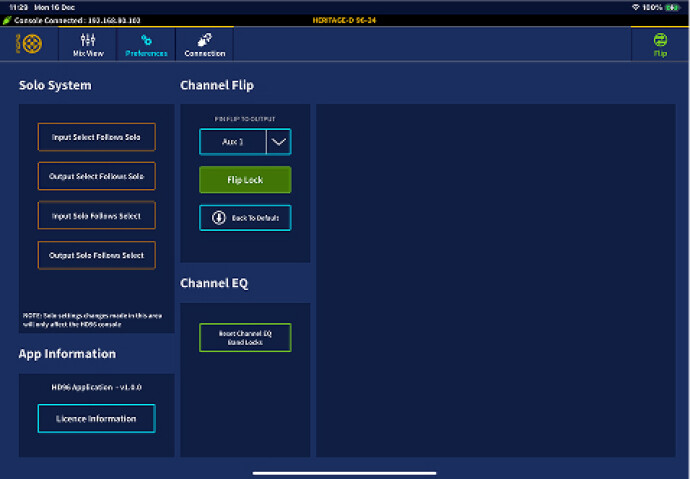
Preferences Page
Solo System preferences are available to the user, along with Channel Flip Lock functionality and Reset Channel EQ Lock functionality.