
Microsoft Teams Rooms
Create meeting spaces where every voice is heard, every participant is seen, and every conversation feels effortless.
Our Teams Rooms solutions combine Microsoft-certified hardware, intelligent workplace-focused room design, and fully integrated collaboration technology to deliver reliable, high-performance meeting experiences. From small huddle rooms to large boardrooms and multi-purpose office spaces, we provide tailored solutions that enhance audio clarity, visual engagement, and overall user experience—ensuring every meeting runs smoothly, whether participants are in the room or joining remotely.
Audio
Clear, natural sound for every meeting
Premium audio is the foundation of every successful Microsoft Teams Room. Clear, natural speech ensures that remote participants feel fully included and in-room attendees stay focused and engaged.
Our audio ecosystem brings together high-performance microphones, beamforming arrays, speakerphones, DSP processing, and professional loudspeakers to create a sound field that is balanced, intelligible, and consistent.
PROBLEMS:
Many meeting rooms struggle with unclear audio, uneven pickup, or distracting background noise. Participants may sound distant, muffled, or inconsistent depending on where they sit, and remote attendees often miss key details. These issues break the flow of conversation and make collaboration harder than it needs to be.
• People in the room aren’t heard clearly by remote participants.
• Audio levels are inconsistent across the table.
• Remote voices sound thin, quiet, or uneven.
• Microphones pick up echo, noise, or room reflections.
SOLUTIONS:
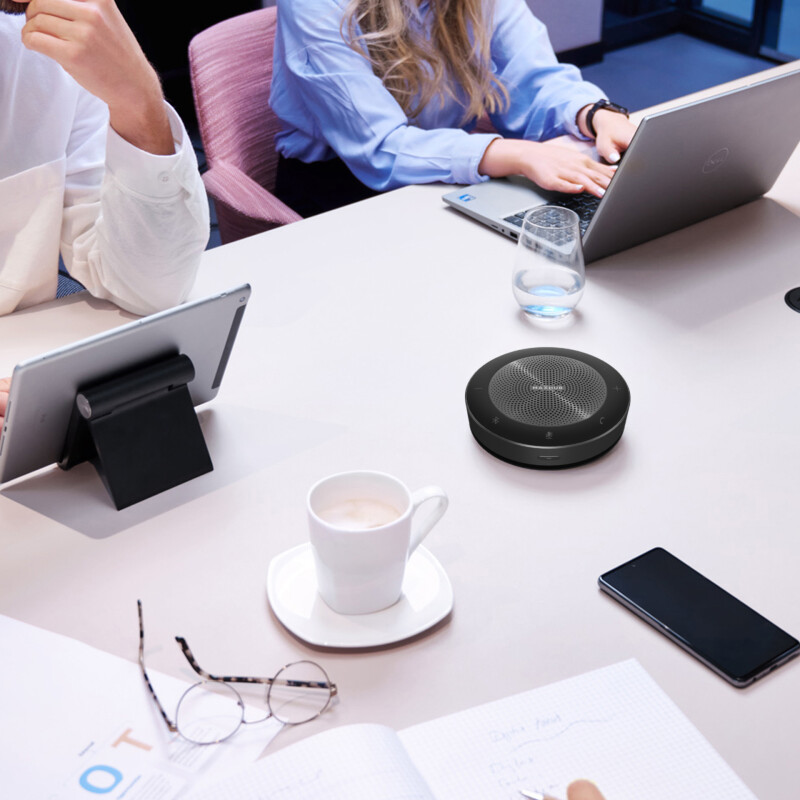
Microphones
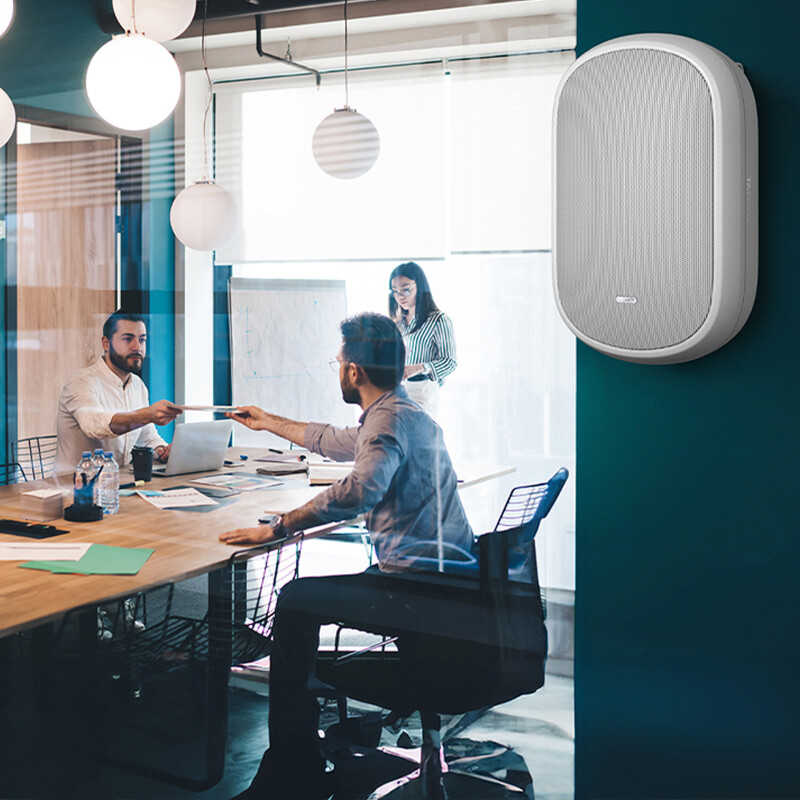
Speakers
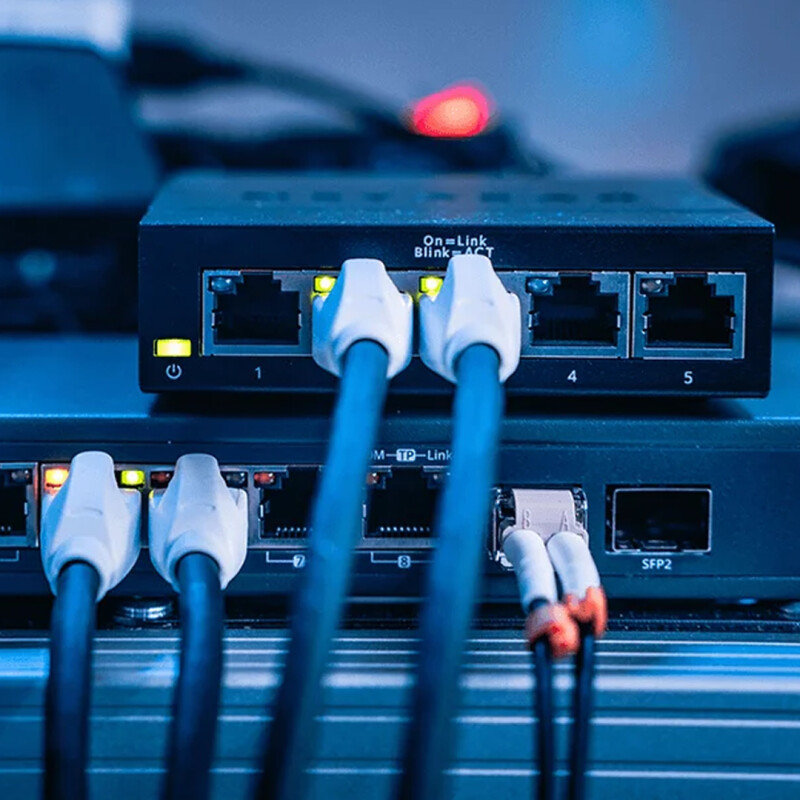
Audio Integration
video
visuals that bring everyone into the conversation
Effective collaboration relies on video that feels natural, clear, and immersive. Our video solutions include everything from compact meeting room cameras to advanced PTZ systems with auto-framing and voice-tracking capabilities, ensuring every participant is seen clearly and professionally.
Complementing these are high-quality displays, ranging from small screens to large-format commercial monitors and fully interactive touch panels, that bring shared content, presentations, and remote participants to life.
PROBLEMS:
Low-resolution cameras, awkward positioning, and limited coverage create video that feels unprofessional and disconnected. Remote viewers may struggle to see who is speaking or follow movement around the room, especially in larger spaces. This leads to reduced engagement and a weaker hybrid meeting experience.
• Remote participants can’t see everyone clearly.
• Participants fall out of frame.
• Video feels flat, low-res, or unprofessional.
SOLUTIONS:
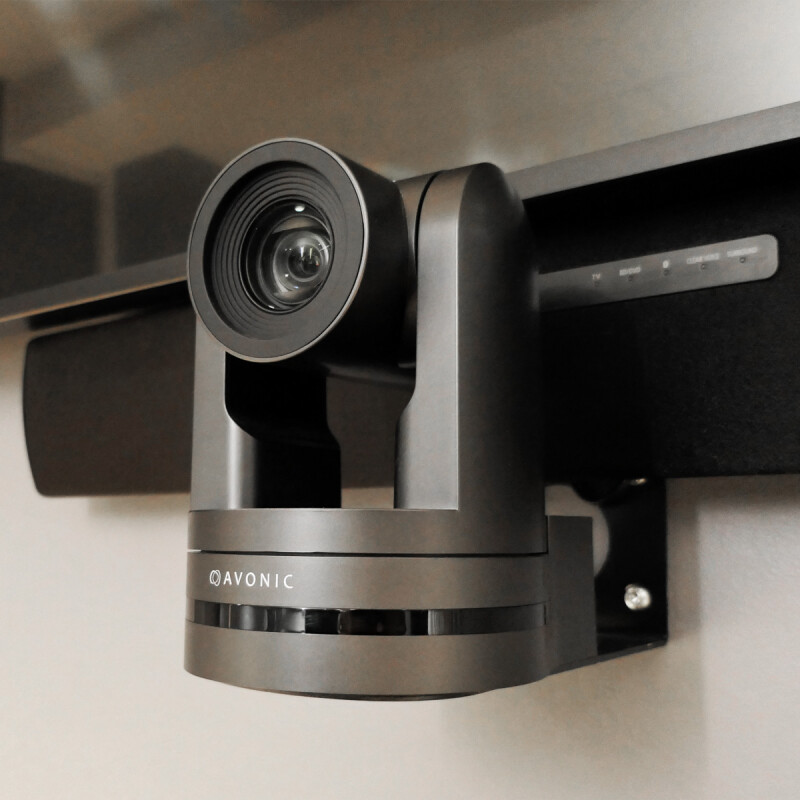
Cameras
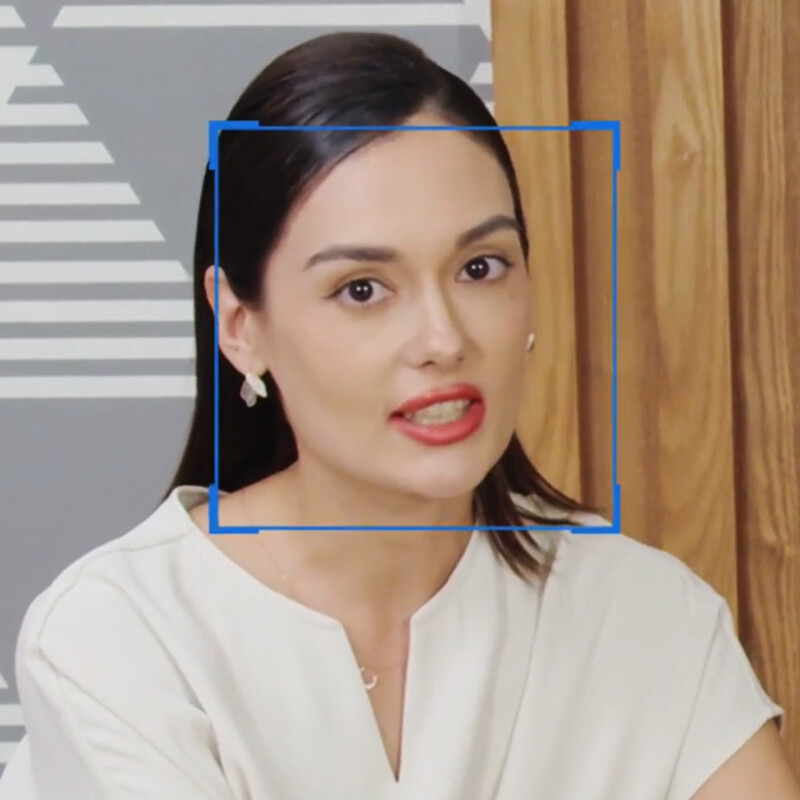
Tracking Software
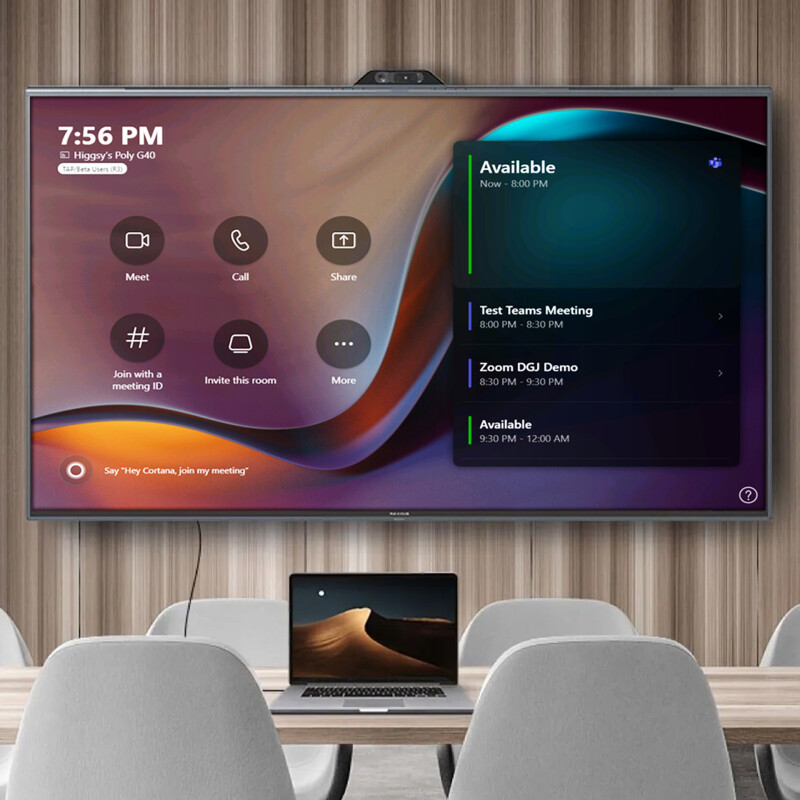
Displays
ROOM ACOUSTICS
environments that support clarity and comfort
Acoustics shape the entire meeting experience. Even with premium microphones and speakers, poor room acoustics can introduce echo, harsh reflections, and muddy speech that make conversations tiring and difficult to follow.
By designing sound-controlled environments that reduce reverberation and enhance definition, we ensure Teams Rooms feel natural, focused, and easy to communicate in, whether speaking to colleagues across the table or participants joining remotely.
PROBLEMS:
Many meeting spaces suffer from echo, harsh reflections, and excessive reverberation, making conversations tiring and difficult to follow. Even with good microphones and speakers, poor acoustics can create a hollow or boomy sound that disrupts both in-room communication and the audio sent to remote participants. These issues often stem from hard surfaces, poor layout, or untreated walls and ceilings.
• Echo and reverberation make speech hard to understand.
• Conversations leak into corridors or neighbouring rooms.
• Open-plan areas lack privacy.
SOLUTIONS:
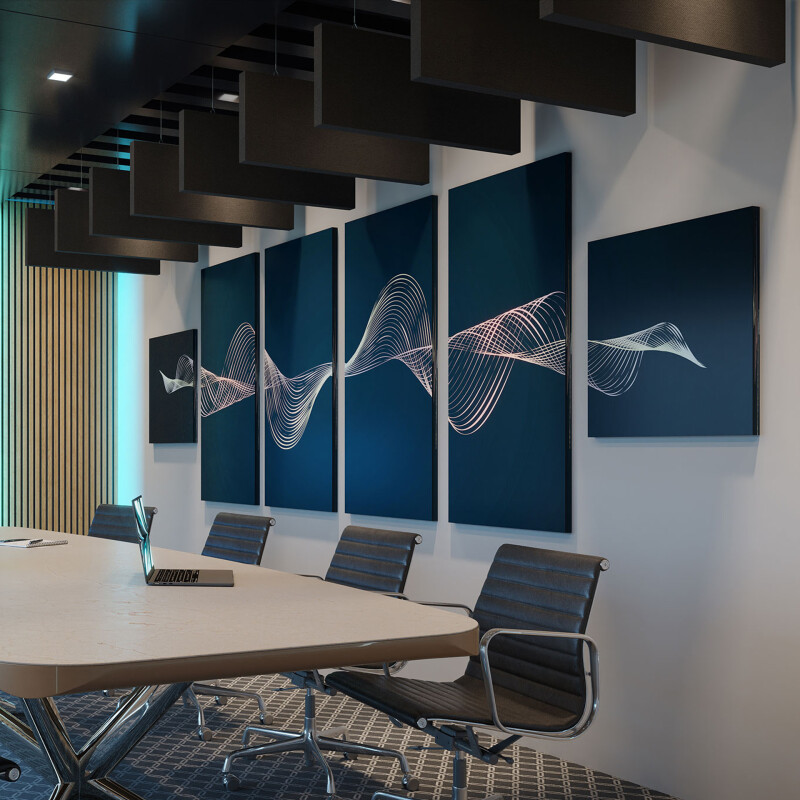
Acoustic Treatment
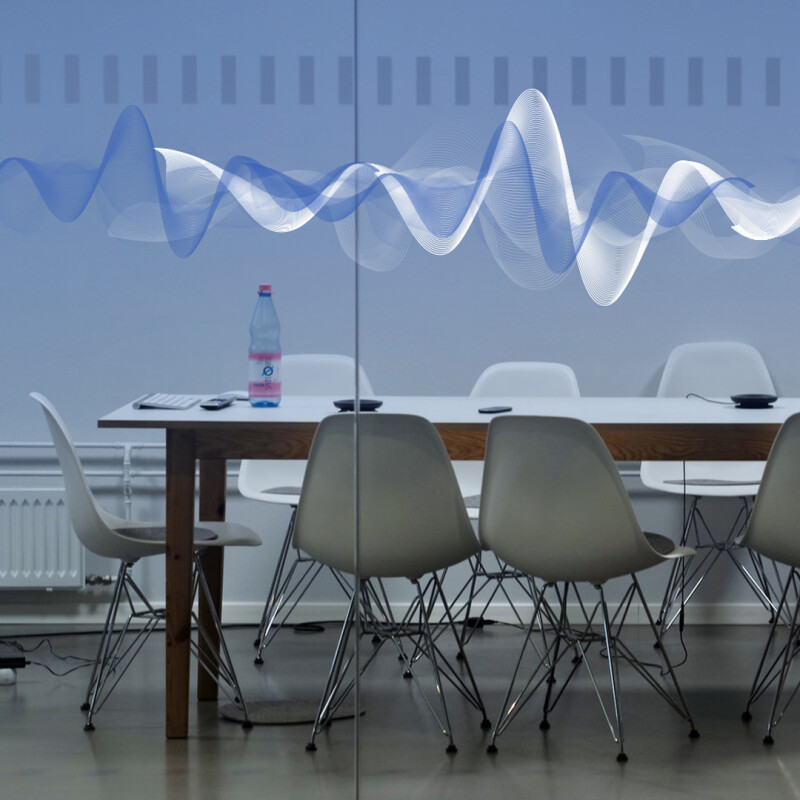
Sound Masking
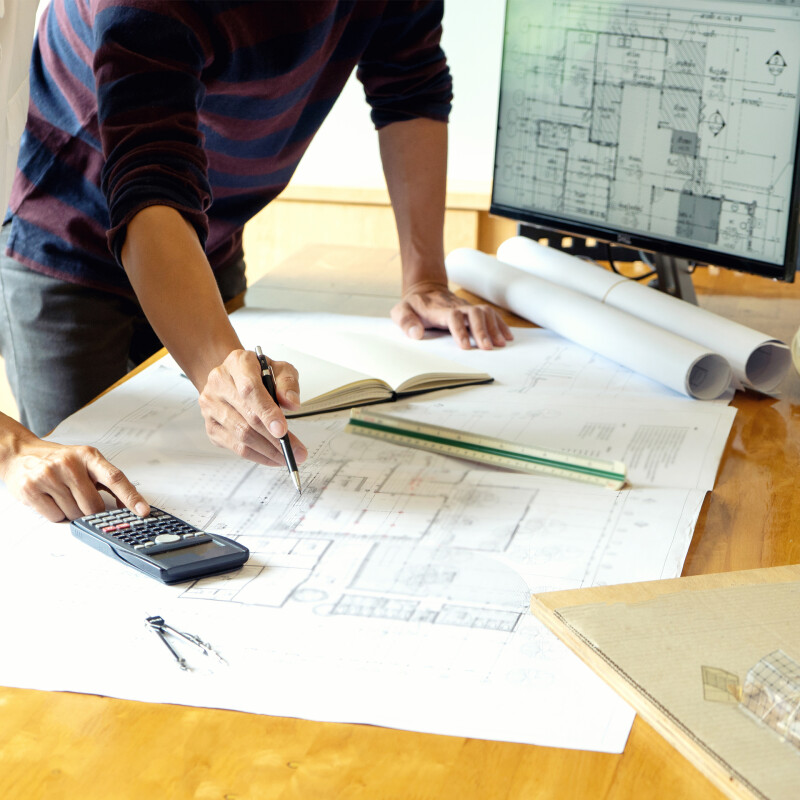
Design & Consultancy
Control & Collaboration
make meetings effortless and engaging
Effective collaboration depends on technology that feels simple, responsive, and consistent. When meetings start quickly and participants can share content or control room systems with ease, teams stay focused and productive.
Our control and collaboration solutions bring together intuitive interfaces, interactive platforms, and advanced visual tools that streamline workflows and transform Microsoft Teams Rooms into dynamic, high-performance collaboration spaces.
PROBLEMS:
Complex controls, confusing interfaces, and manual setup can make starting a meeting slow and frustrating. Participants may struggle to switch inputs, launch a Teams call, or share content, which wastes time and disrupts collaboration.
• Users don’t know which controls to use.
• Meetings take too long to start.
• Switching inputs or sharing content is confusing.
SOLUTIONS:
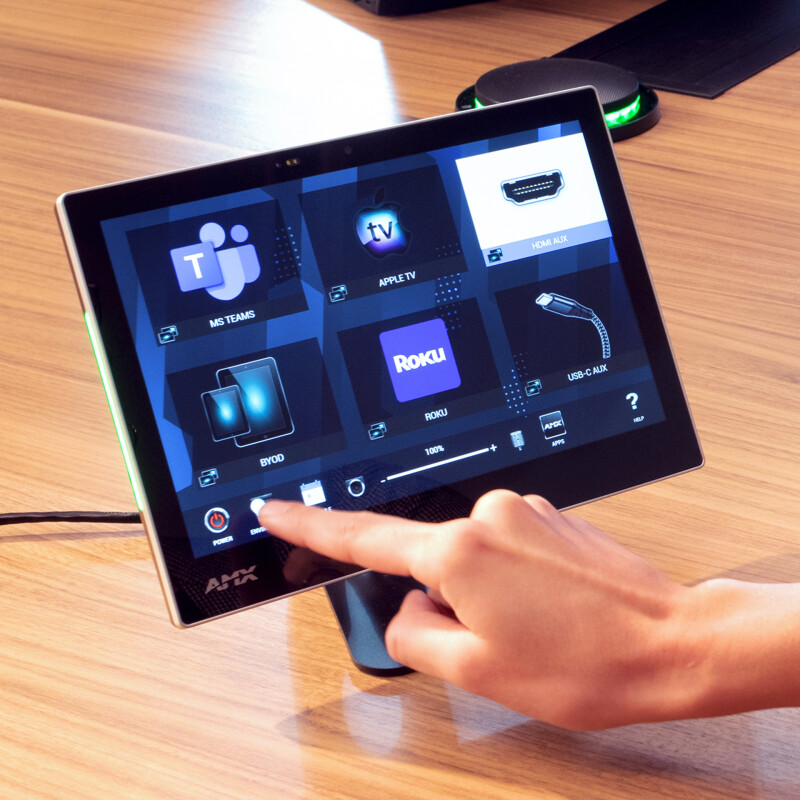
Control Tools
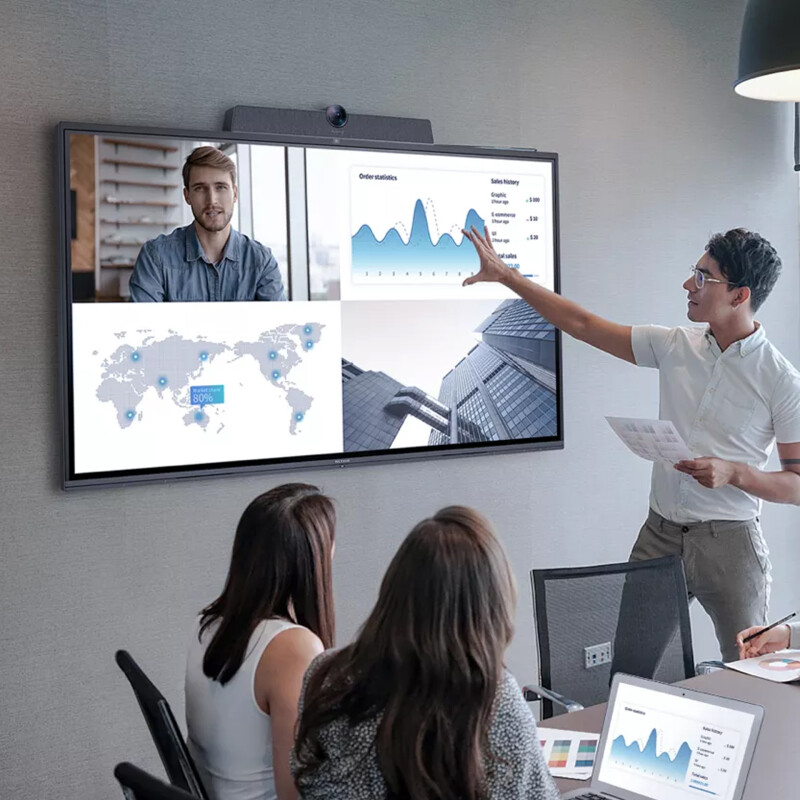
Interactive Displays
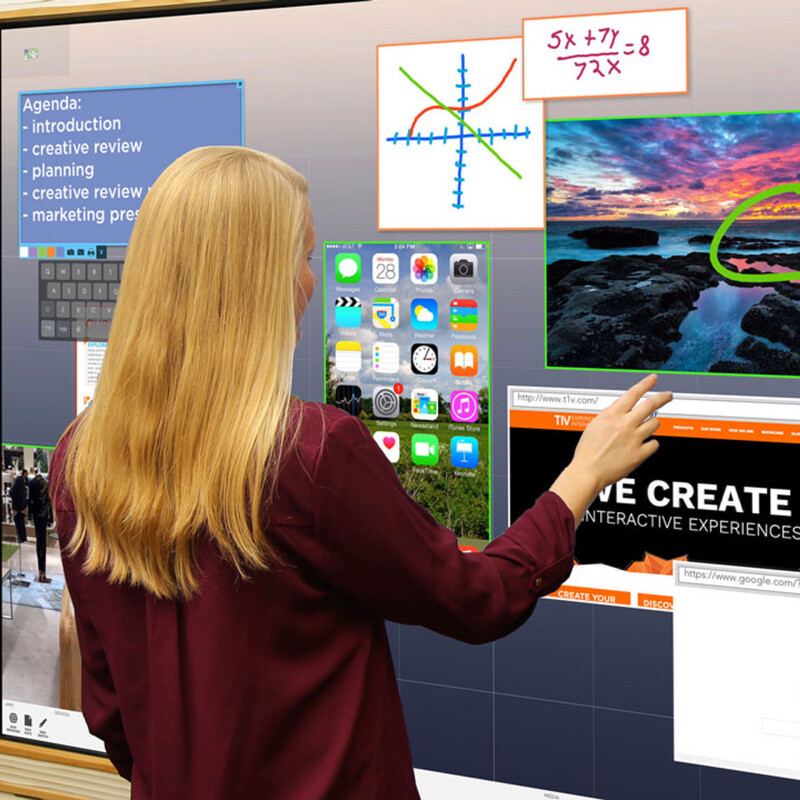
T1V ThinkHub
COMPATIBILITY
Seamless integration for dependable meetings
A well-designed Microsoft Teams Room relies on every component working together as a unified system. When cameras, microphones, speakers, displays, and control tools communicate effortlessly, meetings run smoothly and users stay confident and engaged.
Our compatibility approach focuses on selecting, verifying, and integrating hardware that works harmoniously within the Teams ecosystem, ensuring each space delivers consistent performance, predictable behaviour, and a reliable experience across your entire workplace.
PROBLEMS:
Mixing different brands and untested devices can result in a meeting room where systems fail to communicate properly. Cameras, microphones, speakers, displays, and control systems may work individually but not as a cohesive whole, leading to delays, technical issues, and frustration for users.
• Mixing brands causes compatibility issues.
• Devices need manual intervention or constant troubleshooting.
• Teams Rooms behave inconsistently across spaces.
SOLUTIONS:
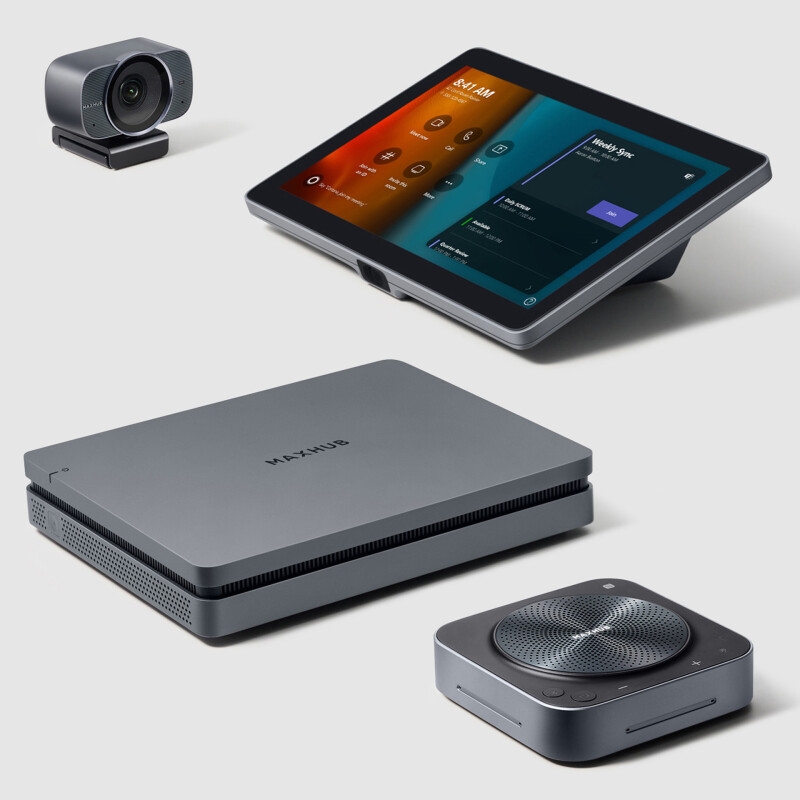
Complete Systems

Certified Hardware